Maximum Senior Benefits3.12.13
Publisher Description

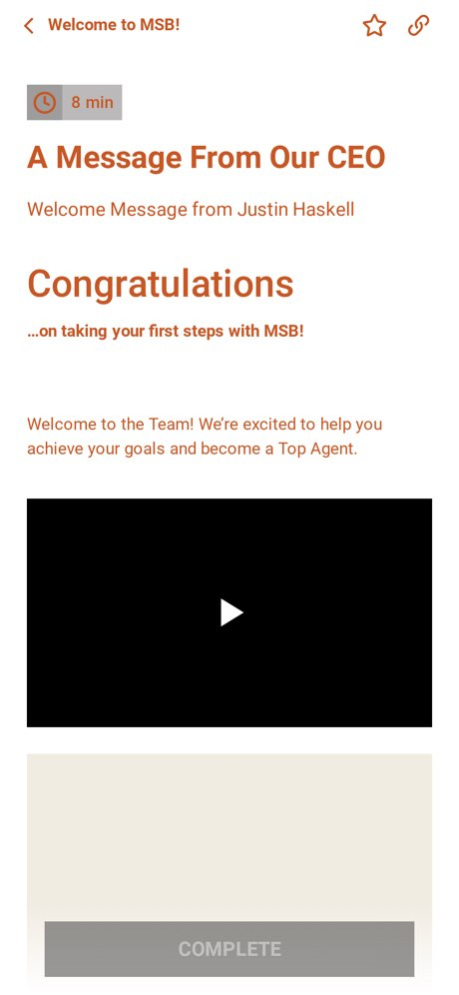
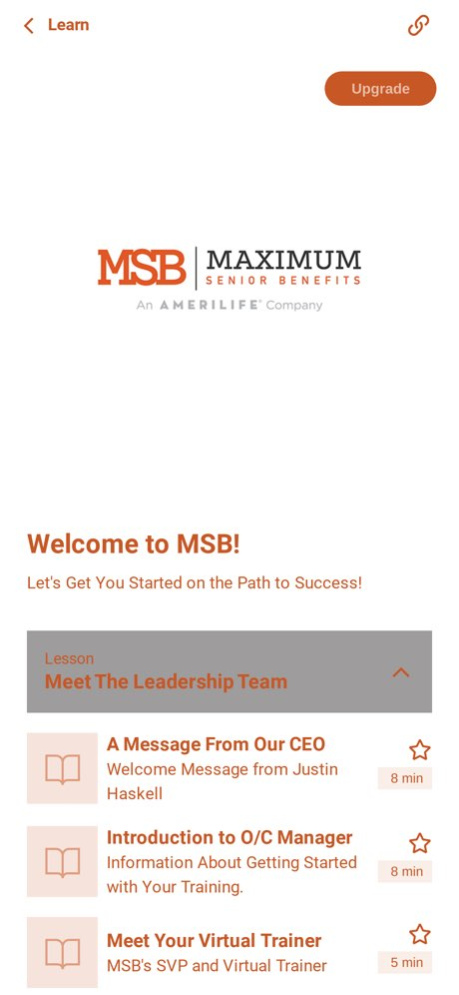
Maximum Senior Benefits Training App. Welcome to MSB University!
This app will help all new agents learn the proven MSB system and to find success helping Seniors in their communities.
INFORMATION ABOUT THE APP
By signing up, you will get access to subscription(s) that include features such as progress tracking, and offline sync, available to subscribe free of charge.
The download of Maximum Senior Benefits is free of charge.
Read our full Terms of Service and our Privacy Policy:
https://passion.io/terms-of-service
https://passion.io/privacy-policy
Version History Bugfixes and Improvements 3.12.13 09/11/2025 Bugfixes and Improvements 3.11.12 04/09/2025 Bugfixes 3.11.11 07/19/2024 Bugfixes 3.9.9 09/06/2023 Bugfixes 3.8.8 08/22/2023 Bugfixes 3.7.7 05/24/2023 Bugfixes 3.6.4 12/23/2022 3.0.1 05/17/2022
About Maximum Senior Benefits
The company that develops Maximum Senior Benefits is Bryce Laidler. The latest version released by its developer is 3.12.13.
To install Maximum Senior Benefits on your iOS device, just click the green Continue To App button above to start the installation process. The app is listed on our website since 2026-10-06 and was downloaded 2 times. We have already checked if the download link is safe, however for your own protection we recommend that you scan the downloaded app with your antivirus. Your antivirus may detect the Maximum Senior Benefits as malware if the download link is broken.
How to install Maximum Senior Benefits on your iOS device:
- Click on the Continue To App button on our website. This will redirect you to the App Store.
- Once the Maximum Senior Benefits is shown in the iTunes listing of your iOS device, you can start its download and installation. Tap on the GET button to the right of the app to start downloading it.
- If you are not logged-in the iOS appstore app, you'll be prompted for your your Apple ID and/or password.
- After Maximum Senior Benefits is downloaded, you'll see an INSTALL button to the right. Tap on it to start the actual installation of the iOS app.
- Once installation is finished you can tap on the OPEN button to start it. Its icon will also be added to your device home screen.
Program Details
System requirements
Download information
Pricing
Version History
version 3.12.13
posted on 2026-10-06
Version History Bugfixes and Improvements 3.12.13 09/11/2025 Bugfixes and Improvements 3.11.12 04/09/2025 Bugfixes 3.11.11 07/19/2024 Bugfixes 3.9.9 09/06/2023 Bugfixes 3.8.8 08/22/2023 Bugfixes 3.7.7 05/24/2023 Bugfixes 3.6.4 12/23/2022 3.0.1 05/17/2022
version 3.12.13
posted on 2025-09-11
Bugfixes and Improvements
version 3.12.13
posted on 2025-09-11
Sep 11, 2025
Version 3.12.13
Bugfixes and Improvements
version 3.11.12
posted on 2025-04-09
Apr 9, 2025
Version 3.11.12
Bugfixes and Improvements
version 3.11.11
posted on 2024-07-19
Jul 19, 2024
Version 3.11.11
Bugfixes
version 3.9.9
posted on 2023-09-06
Sep 6, 2023
Version 3.9.9
Bugfixes
version 3.8.8
posted on 2023-08-22
Aug 22, 2023
Version 3.8.8
Bugfixes
version 3.7.7
posted on 2023-05-24
May 24, 2023
Version 3.7.7
Bugfixes
